A schedule that stays under control
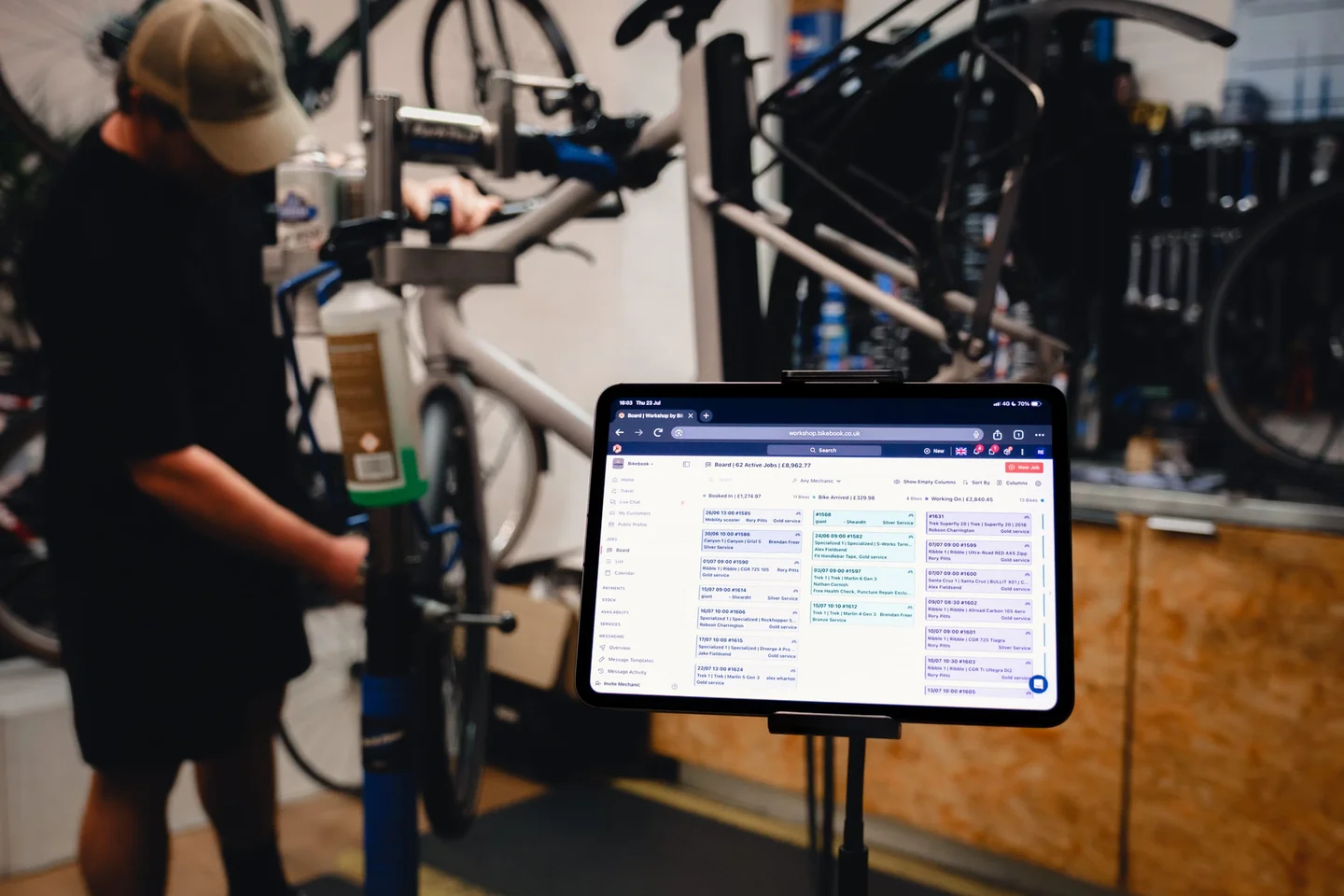
Customers book online, your team books at the counter. Every appointment lands in one calendar, with capacity limits so you’re never overbooked and reminders so customers show up.
28 days free · no card required
- Online booking
Customers book directly from your site or Bikebook listing, and the booking appears in your schedule instantly.
- One calendar for everything
Online and walk-in bookings share the same view, so the whole department sees the day the same way.
- Automatic reminders
Reminders go out ahead of every appointment and keep no-shows rare.
- Capacity controls
Limits per day and per service, and durations per job type, so the schedule reflects how long the work takes.
Less admin, fewer missed bookings
Bookings scattered across phone calls, paper diaries and spreadsheets are how double bookings happen. Workshop puts every appointment in one schedule, whether the customer booked online or your team keyed it in, so the department always knows what’s coming in and when.
Route planning pulls the day’s collections and on-site visits into one sensible round: more time on the job, less in traffic.
Getting your diary live
- Set your availability
Opening hours, capacity and job types, in your own words.
- Take bookings
Customers book online, your team books manually, all in the same schedule.
- Stay on track
Reminders send themselves and the calendar stays accurate.