Skip to content
Integrations · Suppliers

Connect your suppliers, all in one place

View live stocklists and raise back orders directly from the job, with no switching between supplier logins.

28 days free · no card required
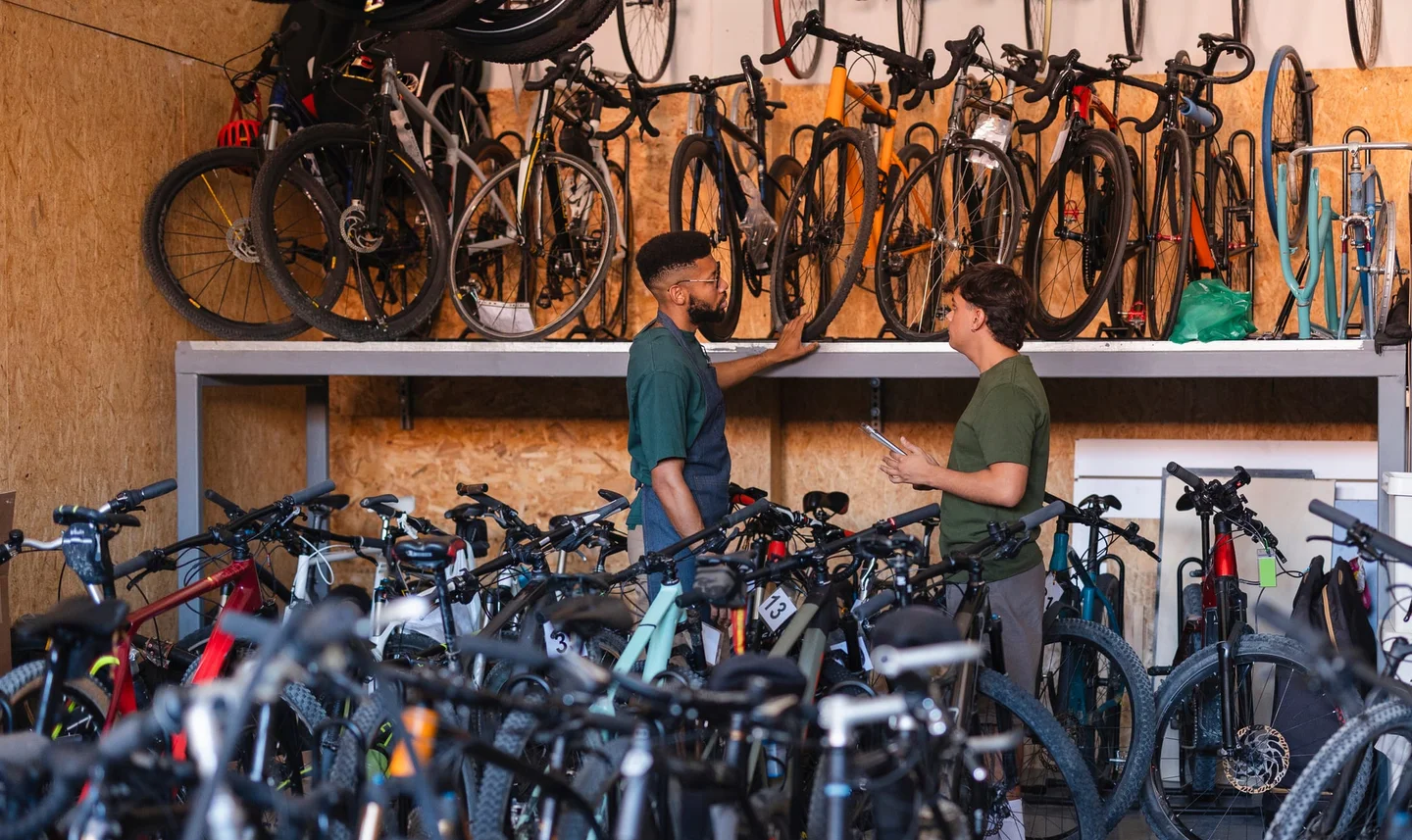
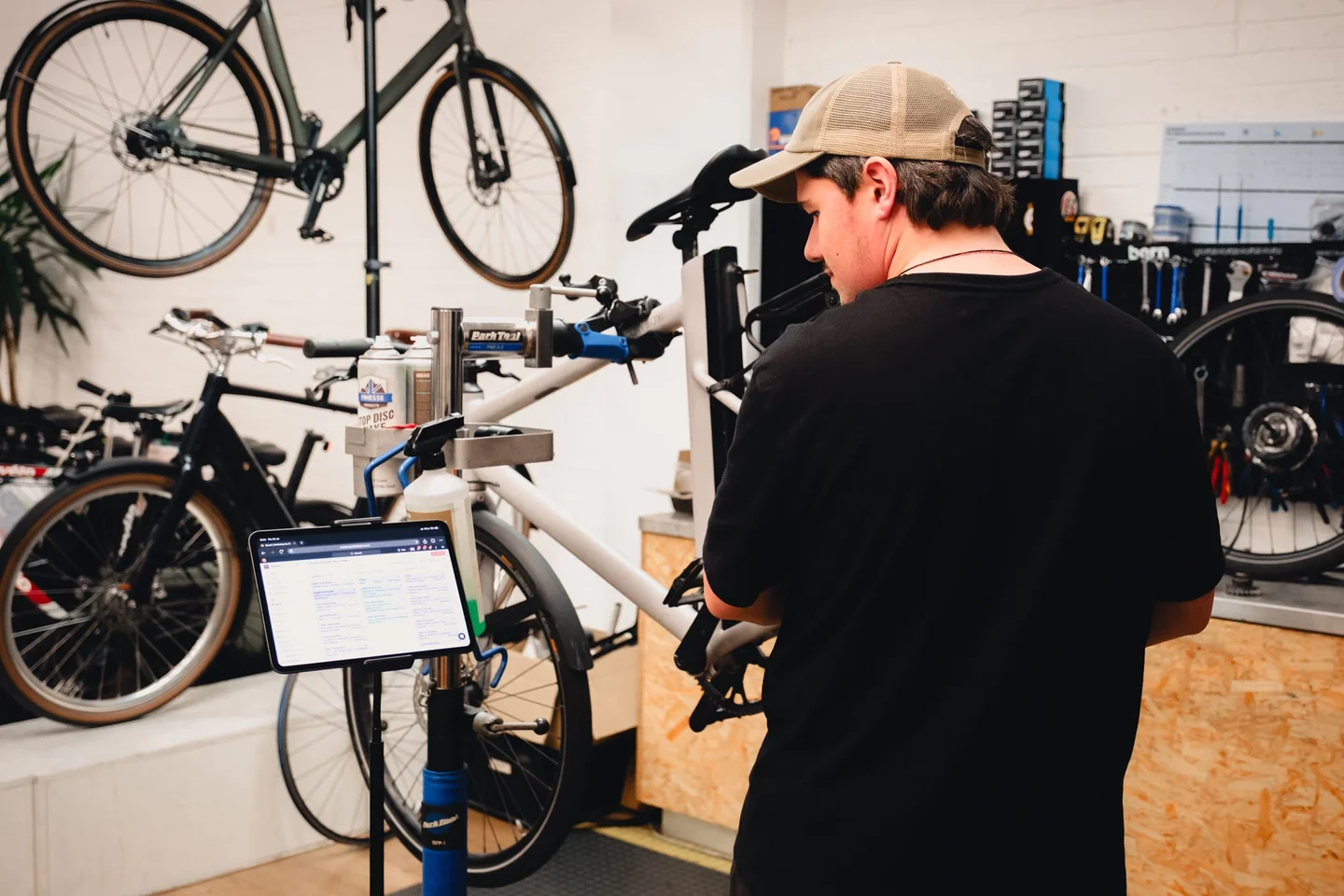
A mechanic working at the stand

Stop juggling supplier logins

Checking stock usually means a different login for every supplier and a copy-paste back into the job sheet. Workshop brings the stocklists you already rely on into the job itself, so finding a part, checking availability and ordering it is one motion, and nothing gets lost between systems.

Integrate with the suppliers you already use

QBPHLCJBIMadisonWindwaveEXTRASilverfishVeloconnectBob ElliotOxford ProductsZyrofisherThe Cycle Division

More supplier integrations added regularly.

From “out of stock” to “on order”

  1. Connect your suppliers

    Link your existing trade accounts once, and Workshop connects each supplier to your stock and jobs.

  2. View live stocklists

    Search any part from the job card and see availability and trade price across every connected supplier.

  3. Create back orders

    Raise the order without leaving the job. It stays linked until the part arrives and is fitted.

The order stays with the job

Nothing lands on a sticky note. Every back order keeps its job, supplier and price together. When the part arrives, the job is flagged ready to continue and the customer's tracker moves on its own.

Linked to the jobArrival flags the jobCustomer updated automatically
Stock levels reviewed on screen

Supplier questions

Which suppliers does Workshop integrate with?
QBP, HLC, JBI, Madison, Windwave, EXTRA, Silverfish, Veloconnect, Bob Elliot, Oxford Products, Zyrofisher and The Cycle Division, with more supplier integrations added regularly.
Can I check stock without leaving a job?
Yes. Live stocklists appear on the job card itself. Search a part and see availability and trade price across every connected supplier, without opening a separate login.
How do back orders work?
Raise the order straight from the job when a part is out of stock. The back order stays linked to that job, and when the part arrives the job is flagged ready to continue and the customer can be updated automatically.
Do I need existing supplier accounts?
Yes. Workshop connects to your existing trade accounts rather than replacing them. Your pricing, terms and reps stay exactly as they are; Workshop just removes the copy-paste between their systems and your jobs.

Keep exploring: Stock management · Payments

700 locations50k+ jobs

Keep stock and jobs moving together

Live stocklists and back orders from 12 suppliers, inside every job · 28 days free · no card required

part ofBikebookInstagramFacebookLinkedIn© 2026 Bikebook · MyGroup Services Ltd, 12895911TermsPrivacyCCPA preferences