General repairs, in one system
Bookings, reporting, inventory and communication for a workshop that names its own services. A short repair and a job that takes a week share the same diary, the same stock and the same customer thread.
28 days free · no card required
Refined in the workshop since the start
A repair workshop holds the job, the parts and the customer together until collection. Service departments have needed that since the first jobs went through. More than 400 of them run their workshop with us now, which lets them work more efficiently and save 7 hours per week on average. The trades have widened. The need has not.
- Bike workshops
It began with bike service departments only. The diary, the job card and the customer thread were shaped on that floor.
- Mobility and jewellery
Mobility retailers and jewellery repairers came next, each with their own services and their own statuses, on the same system.
- General repairs
The same Workshop now opens to workshops that name their own work.
Figures from the work already logged
Reporting is a dashboard you build for the workshop. The categories cover revenue, operations, customers, finance and inventory. The job itself has a job report: the record of the work, which can go out with the invoice.
Revenue, operations, customers, finance and inventory, from the jobs already logged.
you build themThe record of the work on that job.
per jobJob reports can be included when you email the invoice.
optionalThe booking and the stock stay on the job
Customers book online. The team books at the counter. Both land in the same calendar, with a duration and a daily limit for each service, and a reminder before the appointment. Parts for that job come off the workshop’s own stock. The count updates when a part is added to the job card. Set a threshold and Workshop tells you before the shelf is empty. If the part is out, raise a back order from the job. It stays linked until the part arrives and is fitted.
The calendar
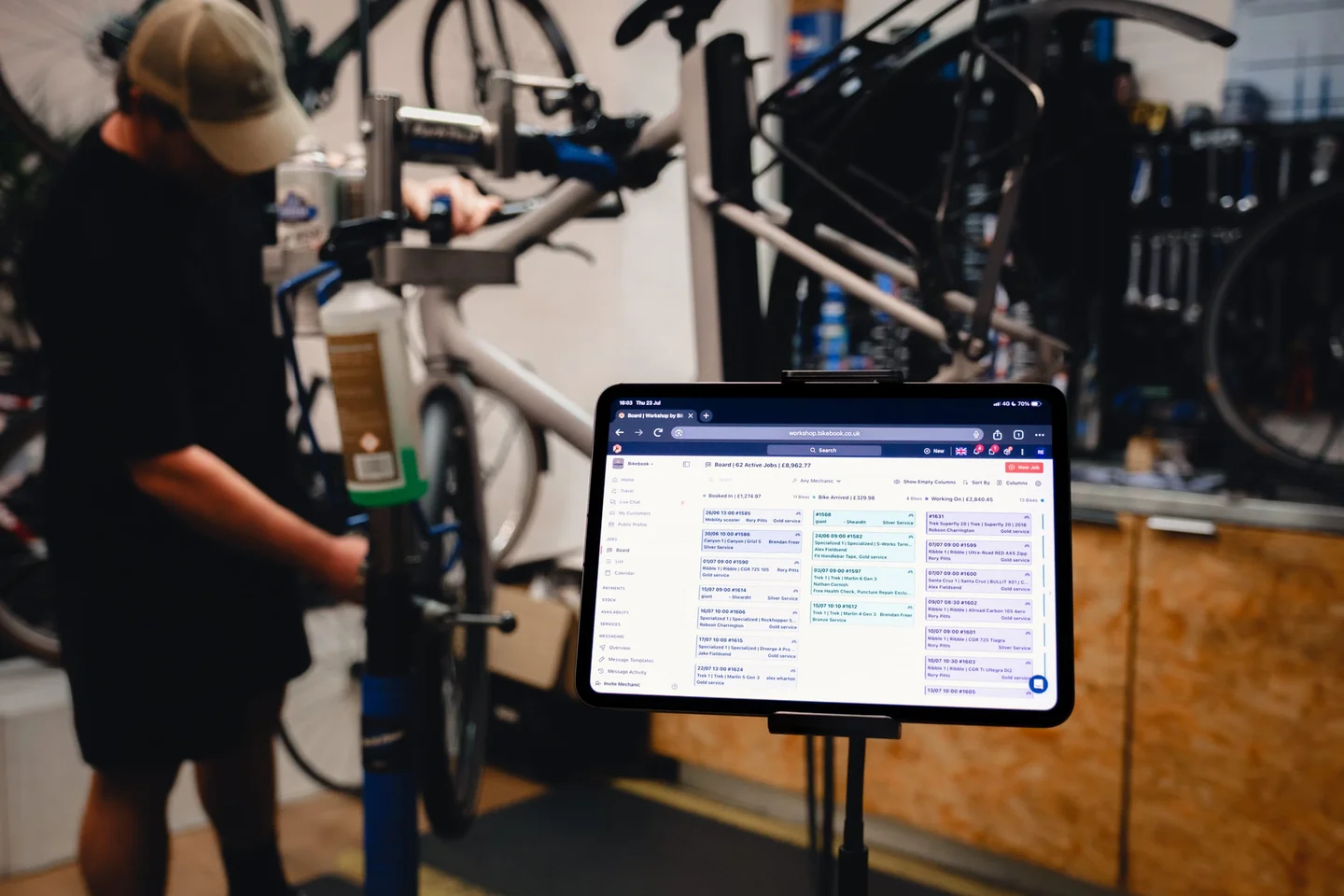
- One calendar
Online bookings and counter bookings share the schedule.
- Per service
Duration and capacity are set on each service you offer.
- A reminder
One goes out before the appointment.
The shelf
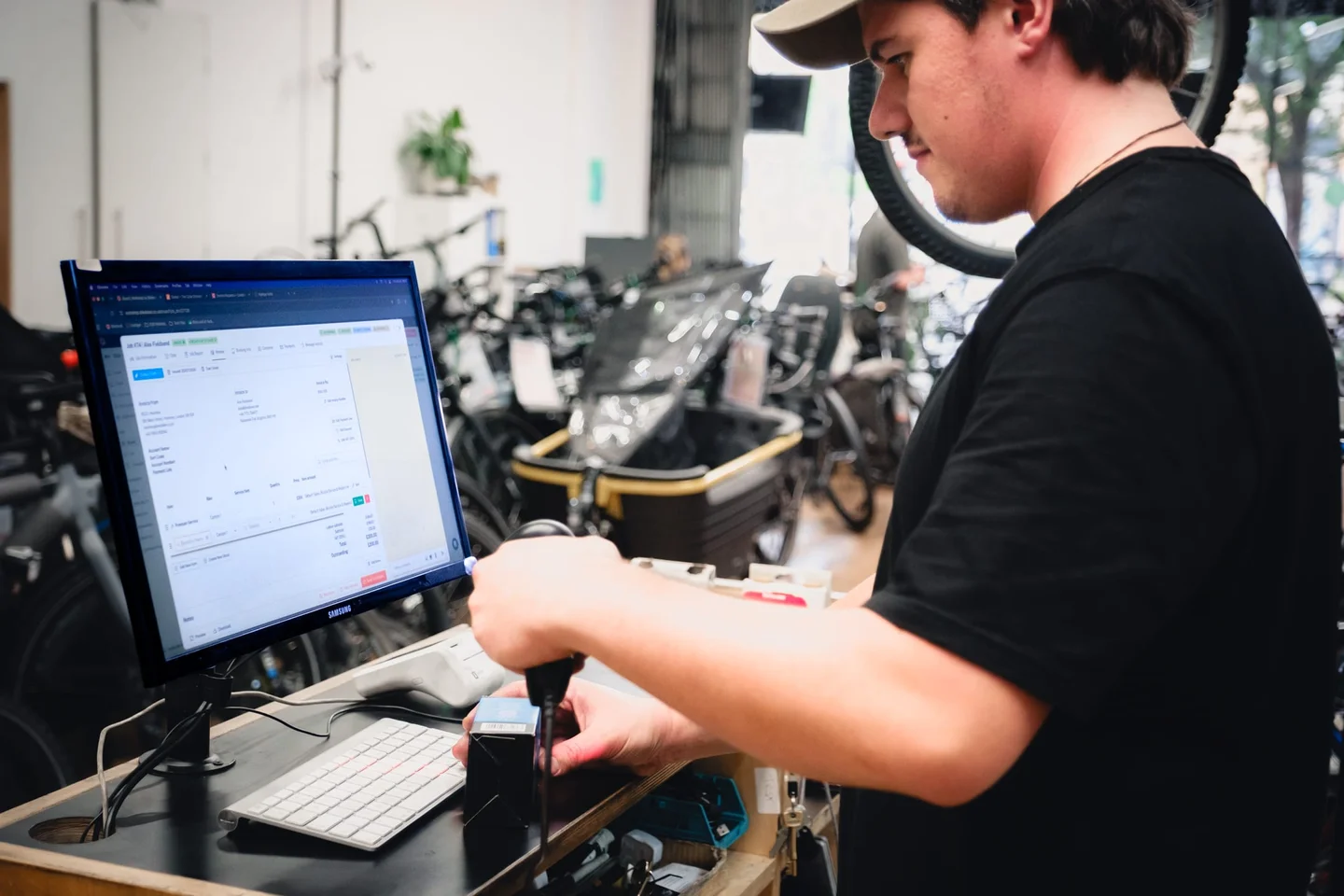
- On the job
Stock counts update as parts go onto the job card.
- Before it runs out
A low-stock alert per part.
- Still linked
Back orders are raised from the job card and stay on it until the part arrives and is fitted.
The customer hears from the job
Communication follows the statuses you named. SMS and email go out as the job moves through those stages. The customer replies in one thread on the booking, and a change of price can be confirmed in that same thread.
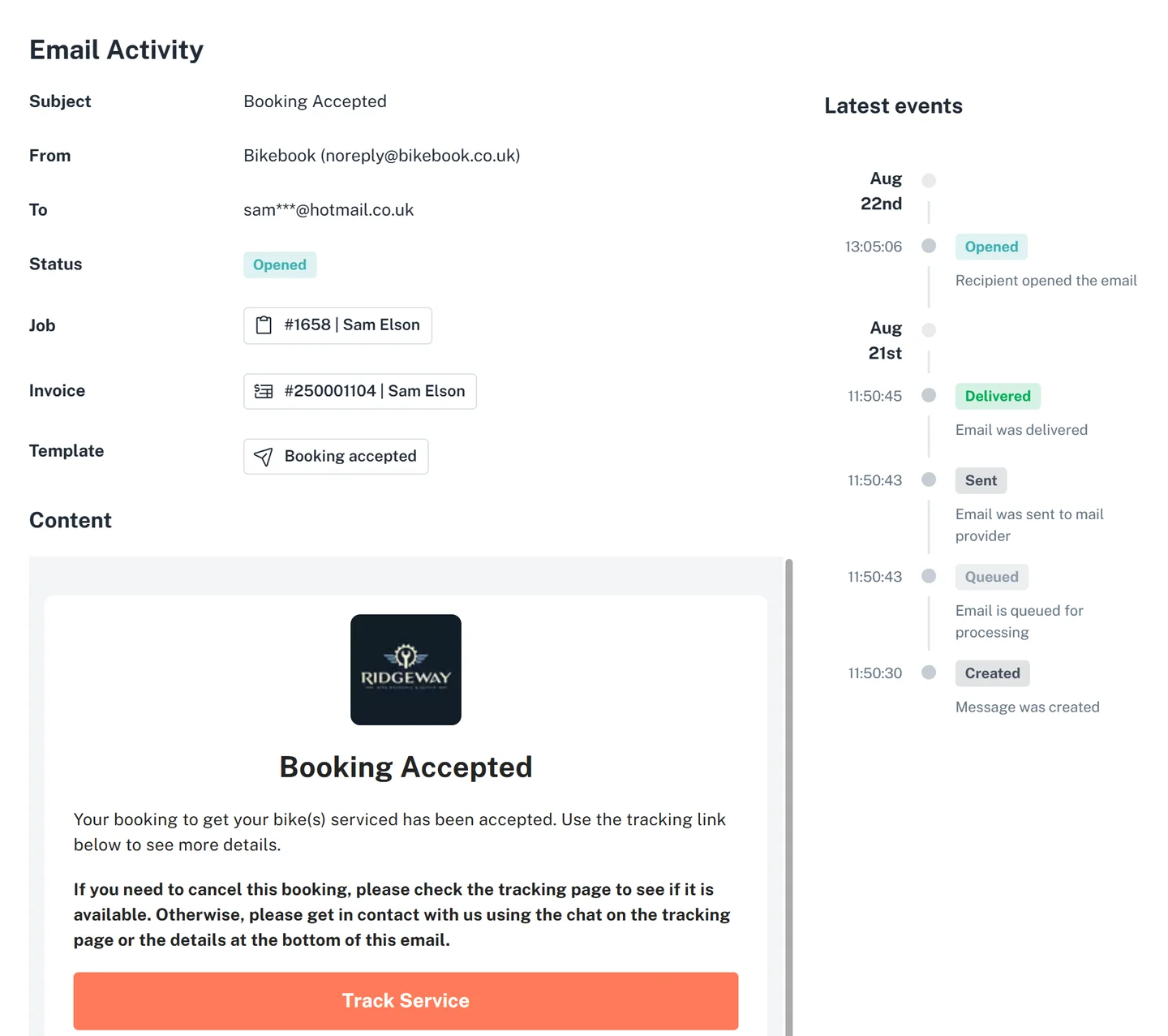
- Your statuses
Messages are tied to the stages you named.
- SMS and email
A reply thread sits on the booking.
- In writing
A price change can be confirmed in that same thread.
From the booking to the collection
Set the services
Names, prices, durations and the statuses a job passes through.
Waiting for partsReady to collectTake the booking
Online or at the counter. The job, the parts and the messages stay on that booking.
Close it out
The job report and the invoice go to the customer. The dashboard reads from the same work.
Invoice sent · job report attached