Send it to Square. The payment finds its job.
Raise the invoice inside the job and push it to Square as an order. Your customer pays on the terminal or by payment link, and the payment lands back on that job on its own — while catalogue, stock and customers keep themselves in step in the background.
28 days free · no card required


Works with Square POS, Square Terminal and Square Invoices.
Who does what
Square stays your till. Workshop takes the service department off it.
Square keeps doing
- ·Taking the money at the counter — Square Terminal, card or cash
- ·Your catalogue and its prices, exactly as you maintain them today
- ·Your Square rates, payouts and reporting, unchanged
- ·Retail sales that never touch the workshop
Workshop takes over
- ·The job — intake, parts, labour, status, the customer’s updates
- ·The invoice, raised from the job and pushed to Square as an order
- ·Service history against the customer and the bike
- ·Mechanic time, workshop capacity and labour reporting
What syncs
What each side brings, and what you get.
Your Square catalogue comes across as Workshop stock items, and inventory counts follow as they change. Service items map too, so a booked service can price itself.
live countsSquare customers appear in Workshop, and customers your team adds in Workshop go back to Square. One person, one record, whichever side they arrived on.
both waysThe job’s invoice becomes a Square order and invoice, payable on the terminal or by payment link. Card or cash, the payment comes back onto the job.
round tripMulti-location Square accounts connect; Workshop syncs against the location you nominate.
multi-siteThe invoice goes out, the payment comes back
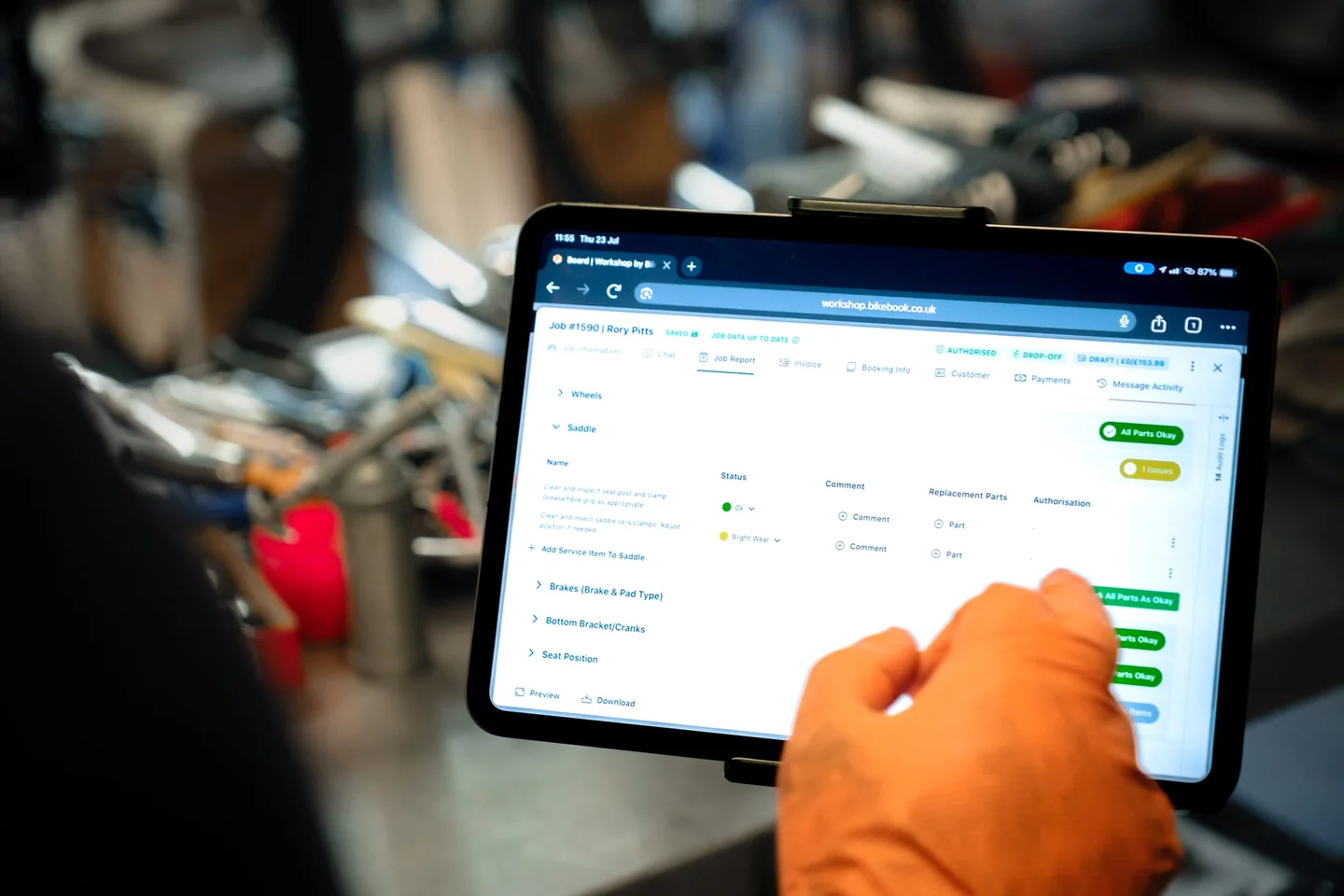
Your team finishes the job, raises the invoice in Workshop and sends it to Square. The customer pays however they want to pay. Square tells Workshop the moment it settles, so nobody spends closing time matching a day’s takings against a list of job numbers.
Getting connected
- Connect Square
Sign in to Square from Workshop’s integrations page and choose your location.
- Check the catalogue
Workshop pulls your catalogue and counts in, then shows you the handful it couldn’t match.
- Sell and service
From then on invoices go out and payments come back without anyone typing a number twice.