Know what you have, before you need it
Track stock levels, get alerted before parts run out, and apply parts straight to job cards as work happens, so stock and jobs never drift apart.
28 days free · no card required
- Parts straight onto job cards
Add parts to the job as work is carried out. The invoice builds itself and stock counts stay accurate in real time.
- Low-stock alerts
Set a threshold per part and get notified before it runs out, with time to reorder before the shelf is empty.
- Back orders from the job
Part not in stock? Raise a back order directly from the job card. It stays linked until the part arrives and is fitted.
- Stock visibility
A live view of levels across the department, and the annual stocktake stops being guesswork.
Connected suppliers? Live stocklists and supplier back orders work alongside your own stock; see supplier integrations.
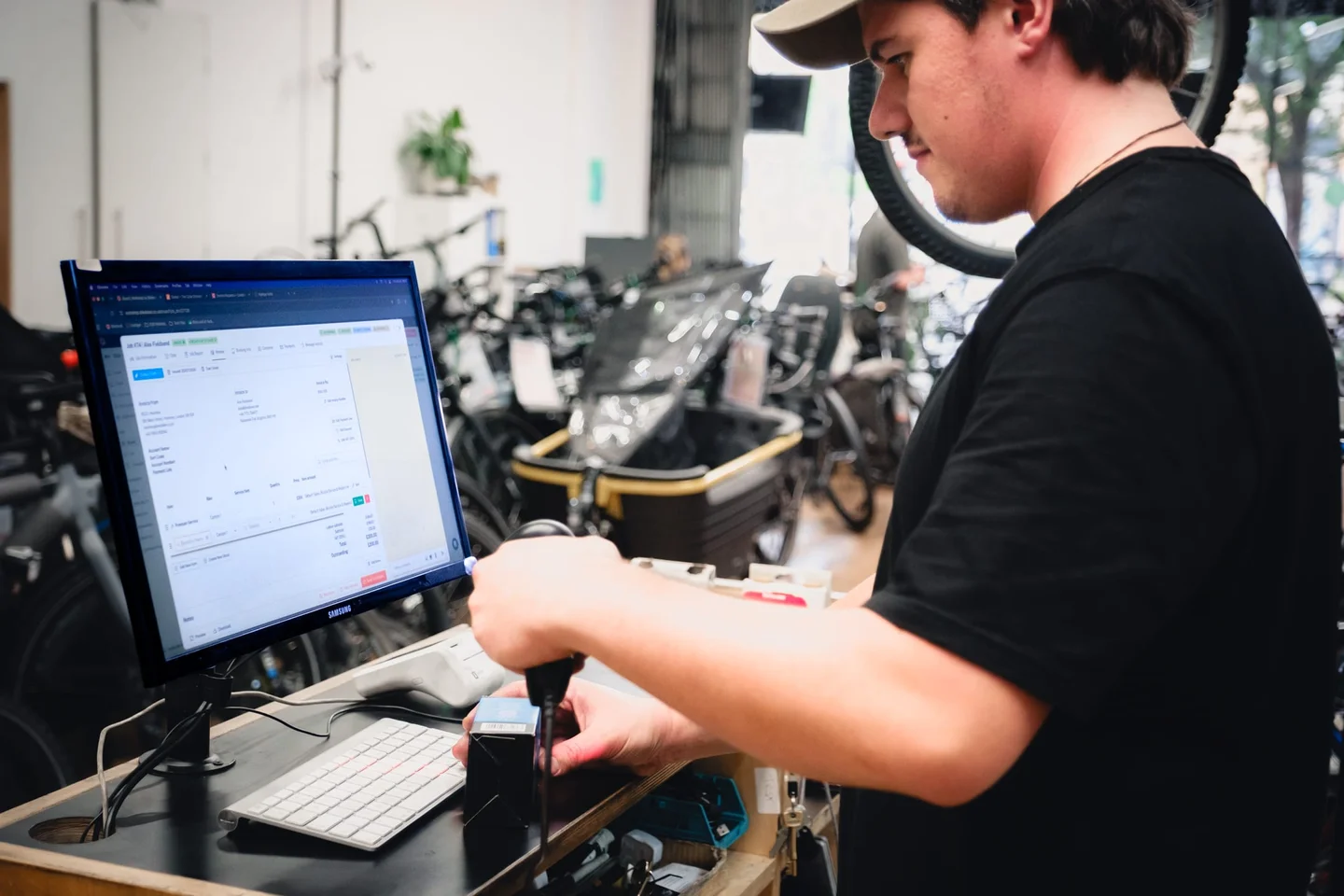
Getting stock in
- Add your stock
Load current stock into Workshop, or sync it via a connected supplier.
- Apply stock to jobs
Parts go on the job card as work happens; levels update automatically.
- Stay ahead of shortages
Alerts fire when stock runs low; back orders raise straight from the job.